Text Tools
 Image Tools
 PDF Tools
 Social Media Tools
 Security Tools
 Coding Tools
 CSS Tools
 Color Tools
 Miscellaneous Tools
 Add to Chrome
 Add to Firefox

Turns a pile of photos into a styled Instagram photo dump carousel: scrapbook, polaroid, film or magazine, ready to post.
One picture · sample photos
Your dump
Photos on each slide
Order
Size
Style
Your photos Showing sample photos
The order here is the order of the slides. Hover a photo to move it or take it out.
Your photos stay in your browser: nothing is uploaded, and there is no limit on how many.
What is Photo Dump Maker?
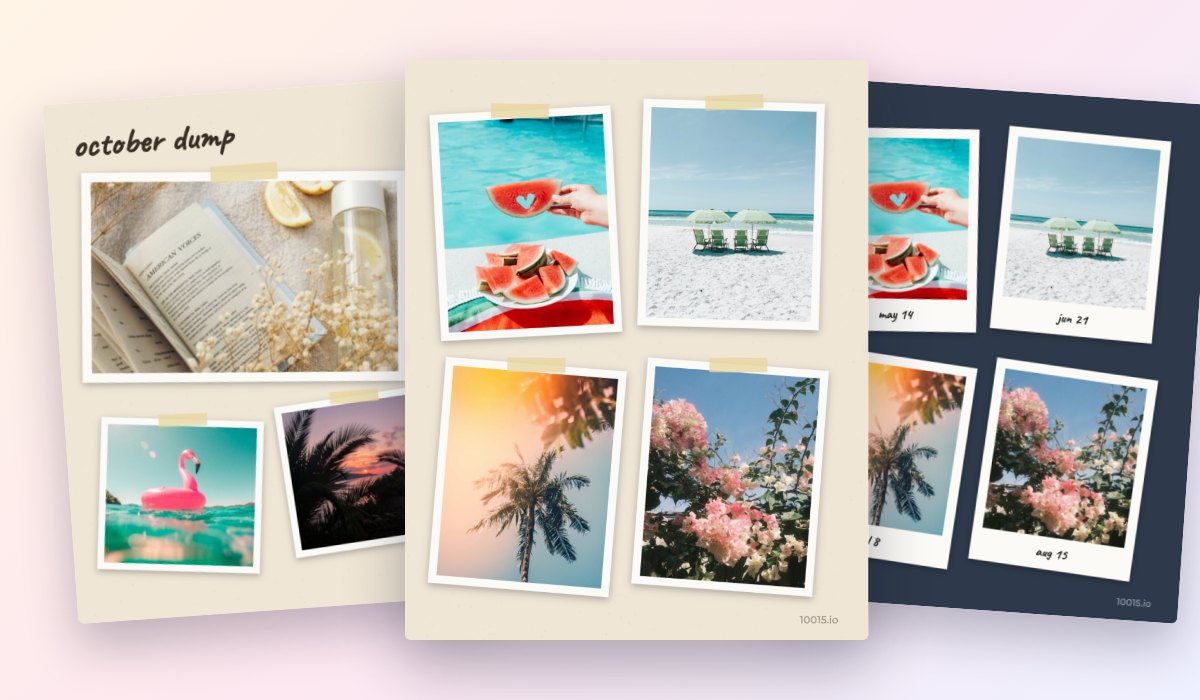
Photo Dump Maker turns a handful, or a hundred, of your photos into a photo dump, the casual carousel of moments everyone posts on Instagram and TikTok. Drop in your photos, pick a style, and every slide is laid out for you: scattered prints on a scrapbook page, polaroids on a table, frames of film, a magazine spread or a clean grid.
Unlike most photo dump apps, it is free with no limit on photos and no watermark, and your photos never leave your browser. Shuffle until you like it, add a cover slide with a title, and download every slide at once, sized for posts or stories.
What You Can Do
- Six styles: Scrapbook, Polaroid, Film, Magazine, Clean and Y2K, with your own background colour.
- Automatic layouts of 1 to 6 photos a slide, or a mixed run that keeps the dump lively; shuffle for a new arrangement.
- Cover slide with your title and subtitle.
- Order as you added them, by the date they were taken, or shuffled; move or take out any photo.
- Sizes: 4:5 and 3:4 posts, square, and 9:16 stories.
- Extras: the date on polaroids and film, or the orange date stamp of a 90s camera.
- Downloads: every slide at once, a single slide as JPG or PNG, or all in one PDF.
How to use Photo Dump Maker?
- Add your photos, or try the samples first.
- Pick a style and how many photos go on each slide.
- Write a title for the cover, and shuffle until you like the layout.
- Download the slides and post them as one carousel, in order.
Frequently asked questions
What is a photo dump?
A photo dump is a carousel post of many photos at once, often casual or unposed: a weekend, a month, a trip or a whole year. It feels more personal than a single polished photo, which is why it became one of the most popular ways to post on Instagram.
How many photos can a dump have?
Here, as many as you like. Instagram takes up to 20 pictures in one carousel, so with more photos, put several on each slide: a collage of 4 makes 80 photos fit in one post. The tool tells you when you go over 20 slides.
Which size should I use?
4:5 (1080 × 1350) is the tallest a feed post can be, so it fills the most of the screen. 3:4 fits Instagram's new profile grid without cropping. Use 9:16 for stories and reels. For a recap of the whole year month by month, try the Year in Review Maker, and to split one photo across your profile, the Instagram Grid Maker.