Text Tools
 Image Tools
 PDF Tools
 Social Media Tools
 Security Tools
 Coding Tools
 CSS Tools
 Color Tools
 Miscellaneous Tools
 Add to Chrome
 Add to Firefox

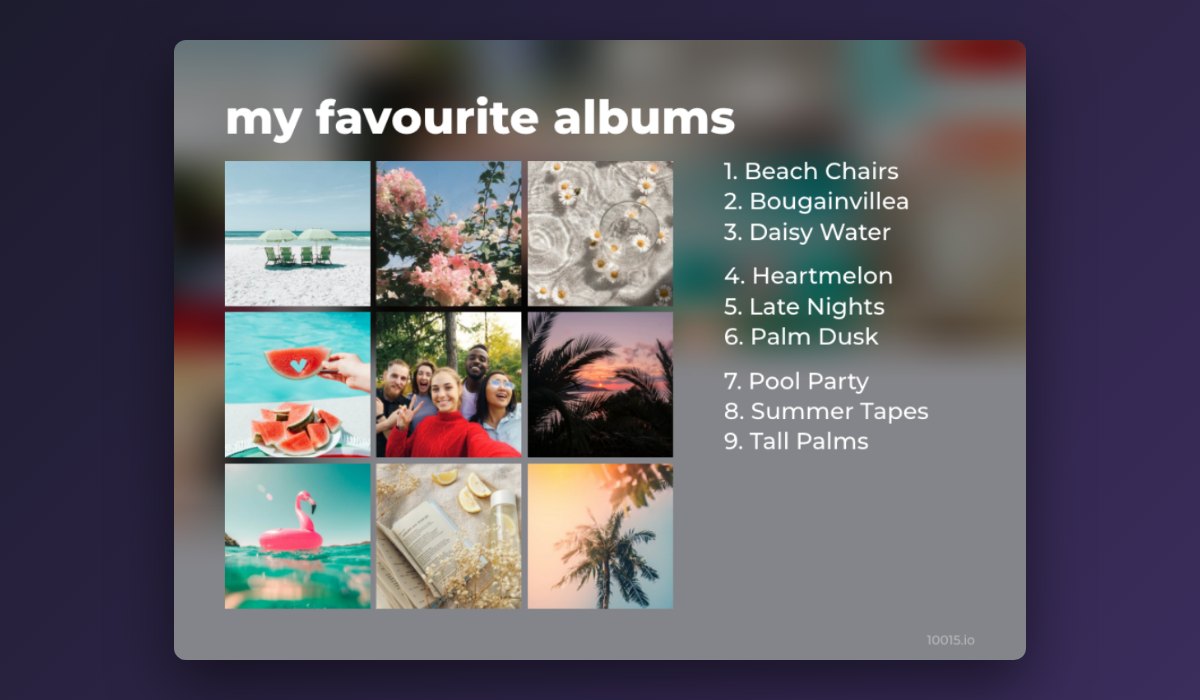
Your favourite albums as a chart: a 3x3 to 10x10 grid, a Top 42 or Top 50 collage or a heart, with the list beside it.
Click an empty spot to fill it next, drag covers to reorder (or click one, then another), and drop your own pictures on a spot.
Add albums 0 / 9
Click an album to add it to the next spot, or drag it onto any spot.
Layout
Style
What is Album Chart Maker?
Album Chart Maker turns your favourite albums into a chart of album covers to share: the 3x3 grid of the albums that made you, a 5x5 of your year in music, or a big Topsters-style collage with the best ones largest. Search any album or artist, click or drag the covers into place, and the numbered list of albums can sit beside the chart.
The covers come from the Apple Music catalogue, so almost every album is there in sharp artwork, and your own pictures can go in any spot too. Pick a layout, a background and a font, and download the chart as a large image.
What You Can Do
- Search any album or artist and click or drag the cover into a spot.
- Layouts: any grid from 1×1 to 10×10, the tiered Top 42 and Top 50 collages, or a heart of 49 albums.
- Reorder by dragging covers onto each other, or clicking one and then another.
- Your own pictures in any spot, for a mixtape, a playlist or an album that is not online.
- The list of albums beside the chart, numbered in order.
- Style: a title, five fonts, a dark, light, colour or blurred-cover background, space between covers, rounded corners and shadows.
- Saved in your browser so your chart is there next time; download it as PNG or JPG.
How to use Album Chart Maker?
- Choose a layout: a 3x3 grid, a Top 42 collage or a heart.
- Search your albums and click each to put it in the next empty spot.
- Drag covers to reorder them, and add a title and the list.
- Download the chart and share it.
Frequently asked questions
What is a Topsters chart?
Topsters is the name of a well-known album chart maker, and "topsters" came to mean any collage of favourite album covers, often a Top 42 with the five favourites biggest. This tool makes the same kind of chart, along with plain grids and a heart.
Can I make a 3x3 of my favourite albums?
Yes: the grid starts as a 3x3. Search nine albums, click each, and download. Change the columns and rows for a 4x4, a 5x5 or a 10x10 of a hundred albums.
Where do the covers come from?
From the Apple Music (iTunes) catalogue, searched from your browser. If an album is missing, upload its cover yourself. To make a cover of your own, try the Album Cover Maker, and for a card of your favourite lyrics, the Lyrics Card Generator.