Text Tools
 Image Tools
 PDF Tools
 Social Media Tools
 Security Tools
 Coding Tools
 CSS Tools
 Color Tools
 Miscellaneous Tools
 Add to Chrome
 Add to Firefox

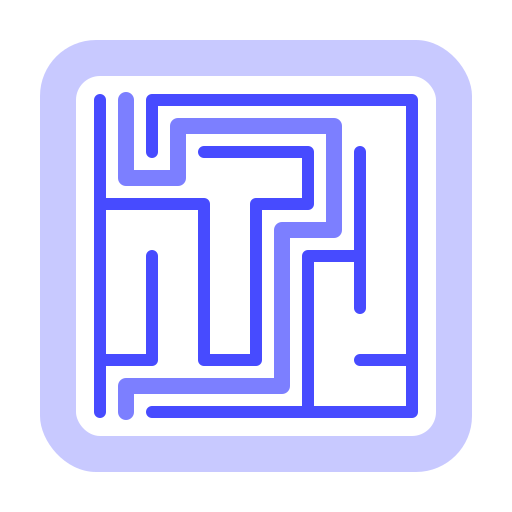
Printable mazes for every age in any shape, with solutions, a whole maze book in one PDF, or a link to solve online.
2 pages: the maze and the solutions. The SVG in Export suits Cricut and laser cutters.
Cells
Shape
What is Maze Generator?
Maze Generator makes printable mazes in a click, from a six-by-six maze for a three-year-old to an 80 × 80 labyrinth for adults. Choose an age, a grid of squares, rings, hexagons or triangles and a shape, and download a sharp PDF with the solution on its own page, or solve the maze right here on a phone or computer. It is free, with no sign-up and no watermark.
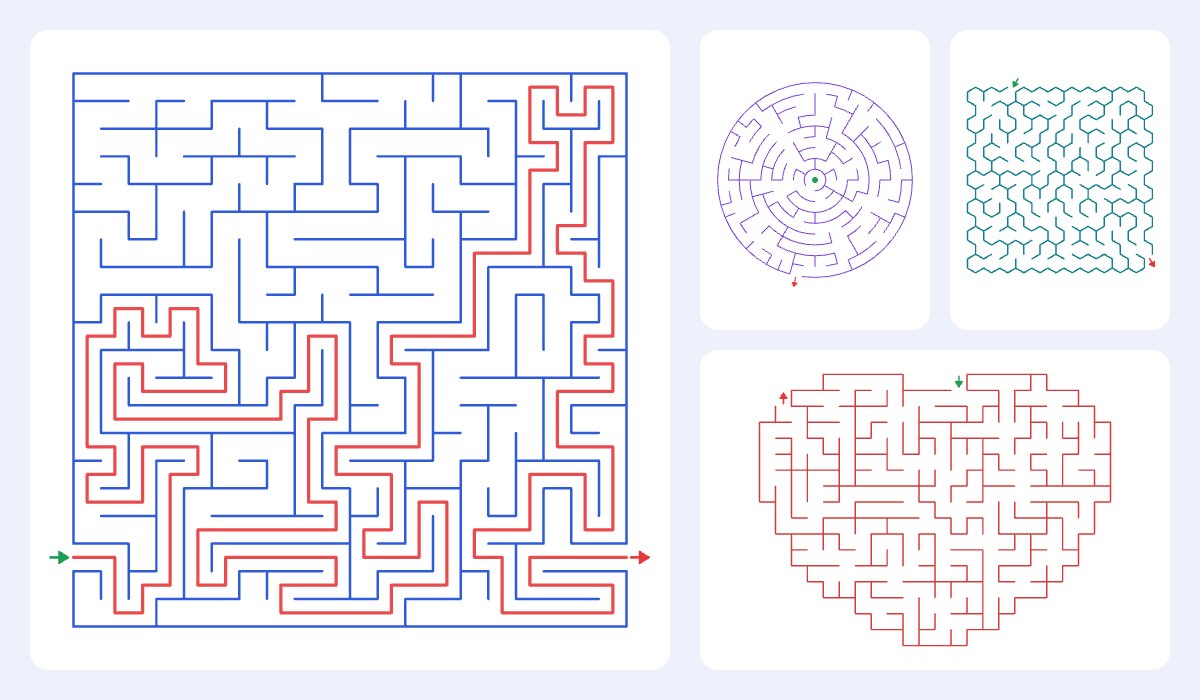
What makes it different
- Every kind of maze: square cells, round mazes of rings, honeycomb hexagons and triangles, in one place.
- Any shape: a heart, star, apple, pumpkin, Christmas tree or snowman, a letter or number for alphabet practice, or the silhouette of your own picture or logo.
- Pictures for children: help the mouse find the cheese, the bee reach the flower or Santa deliver the present, with chunky walls for little hands.
- A maze book in one click: up to 50 different mazes, one, two or four to a page, with all the solutions at the end or after each page.
- Solve it online: draw the way with a finger or the mouse, or walk it with the arrow keys, against the clock. Copy a link and anyone can play the same maze.
- Watch it being made, wall by wall, and the solution being drawn: a simple way to show how maze algorithms work.
- Real difficulty: five maze algorithms, loops for mazes that cannot be solved by following one wall, and a rating from the number of choices on the way.
- Sharp files: a vector PDF on A4, US Letter, A5 or Legal, a 300 dpi PNG, and an SVG for Cricut machines, laser cutters and design programs.
How to make a maze
- Pick an age: from Ages 3–5 to Extreme. Each sets the size, the walls and how twisty the paths are.
- Choose the cells (squares, round, honeycomb or triangles) and a shape, and change the size if you like.
- Choose where the maze starts and ends, and arrows, words or pictures to mark them.
- Set the title, the paper and how many different mazes you want, one, two or four to a page.
- Download the PDF with the solutions, print it, or switch to Play online to solve it on screen and share it.
Mazes for every age
Very young children (ages 3 to 5) need a few wide paths and a picture to aim for: a 6 × 6 maze with chunky walls trains the hand and the eye before writing. Ages 5 to 7 enjoy 10 × 10 mazes with a story, like a bunny looking for its carrot. Ages 8 to 10 can take around 18 × 18, and older children 28 × 28 with long winding paths. For adults, 45 × 45 mazes with loops take real concentration, and the 80 × 80 Extreme maze can fill a coffee break or two. Round and honeycomb mazes look harder than square ones of the same size, because the eye cannot follow straight lines.
The maze styles, explained
- Long winding paths (recursive backtracker) dig deep before they branch. The way through is long and there are few, but long, dead ends.
- Balanced (growing tree) mixes long corridors with short branches, the most natural-looking for children.
- Unbiased (Wilson's algorithm) picks any possible maze with the same chance, so there is no pattern to exploit.
- Many short branches (Kruskal's algorithm) is full of short dead ends, which makes every junction a decision.
- Bushy (Prim's algorithm) grows from one point in a tangle of very short dead ends.
Frequently asked questions
Is the maze generator free?
Yes, everything is free: the PDF with solutions, 50 mazes at a time, the shapes, the pictures and the online play link. There is no sign-up and no watermark; the small credit line at the foot of the page can be switched off.
How do I print a maze with the solution?
Press Download PDF or Print. The solution pages show each maze again with the way through drawn in red. In the Page settings you can put the solutions at the end, after each page of mazes, or leave them out.
Can I make a maze in the shape of a letter or my own picture?
Yes. Choose Letter or number and type it, for an alphabet maze; or choose Your picture and upload a silhouette, a logo or a bold drawing on a light background. The dark part becomes the maze. Your picture stays on your device; nothing is uploaded.
Does every maze have a solution?
Always. Every cell can be reached, and without loops there is exactly one way from the start to the finish. With loops there are several ways, and the solution page shows the shortest.
How do I solve a maze on screen?
Switch to Play online and draw from the start with your finger or the mouse; the line only goes through open paths, and going back rubs it out. On a keyboard, click the maze and use the arrow keys or W, A, S and D. A timer runs from your first move, and at the end you see how close you came to the shortest way.
Can I use the mazes in a book I sell?
Yes. The mazes are generated for you and are yours to use, in a classroom, a party bag, a newsletter or an activity book, including one you sell. The pictures for the start and finish are your device's emoji, so for a book you sell, use arrows or words, or turn the credit line off and add your own art.