Text Tools
 Image Tools
 PDF Tools
 Social Media Tools
 Security Tools
 Coding Tools
 CSS Tools
 Color Tools
 Miscellaneous Tools
 Add to Chrome
 Add to Firefox
Turns any image into pixel art with a grid, in its own colours or a retro palette, as a crisp PNG or a printable chart.
Or drop or paste a picture. It stays on your device.
Leave the height empty to keep the picture's shape.
Download
What is Online Pixel Art Converter?
Pixel Art Converter turns a photo, a logo or a drawing into pixel art: a grid of a size you choose, from 4 to 256 pixels across, in as few colours as you like. Use it for game sprites and avatars, or as a grid chart to build the picture in another medium: Minecraft blocks, tapestry or mosaic crochet, knitting, fuse beads or graph paper.
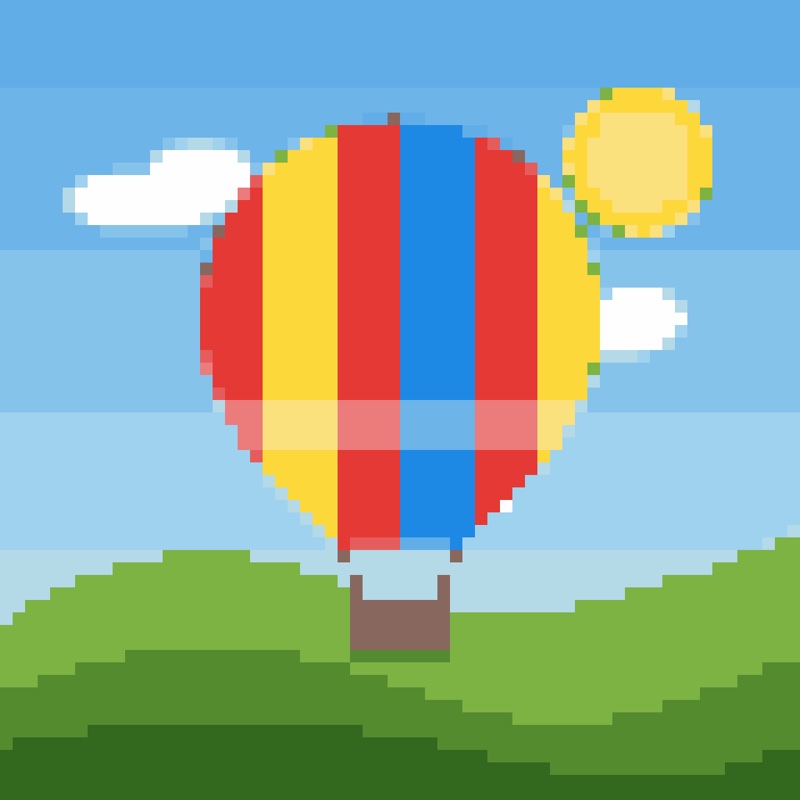
Colours
- Colours from the image: the 2 to 64 colours that best represent your picture, picked by k-means clustering.
- PICO-8: the 16-colour palette of the fantasy console, for a retro game look.
- Game Boy: four shades of green, like the original handheld.
Crisp When Scaled Up
Pixel art blurs when an ordinary image editor enlarges it. Download it at 4×, 8×, 16× or 32× and every pixel stays a sharp square, or at 1× for use in a game.
How to use Online Pixel Art Converter?
- Upload an image, or drop or paste one.
- Choose the width in pixels; the height follows the picture unless you set it.
- Pick a palette and the number of colours, and switch dithering on for gradients.
- Touch up pixels by hand, then download the PNG, the grid chart or the PDF chart.
Frequently asked questions
What size should pixel art be?
Classic sprites are 16 × 16 or 32 × 32; 64 pixels across keeps a face recognisable. For crochet or Minecraft, choose the size of the piece you want to make, one pixel a stitch or a block.
How do I use it as a crochet or Minecraft chart?
Switch the view to "Chart" and download the chart PNG or the PDF: each colour has a symbol, there is a heavier line every ten squares, and the colour list counts the squares of each colour.
Is my image uploaded?
No, everything happens in your browser. For bead or brick versions of the same picture, try the Perler Bead Pattern Maker or the LEGO Mosaic Maker.