Text Tools
 Image Tools
 PDF Tools
 Social Media Tools
 Security Tools
 Coding Tools
 CSS Tools
 Color Tools
 Miscellaneous Tools
 Add to Chrome
 Add to Firefox
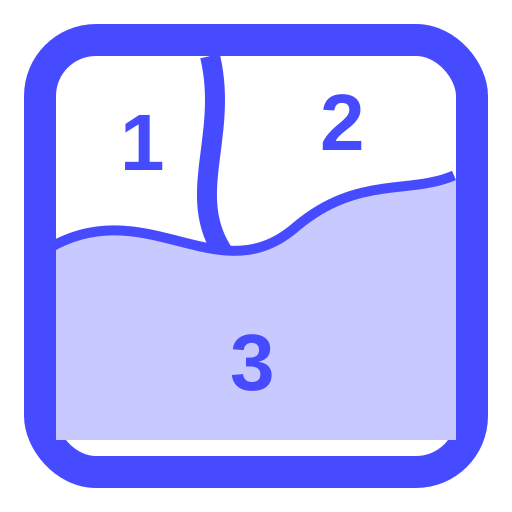
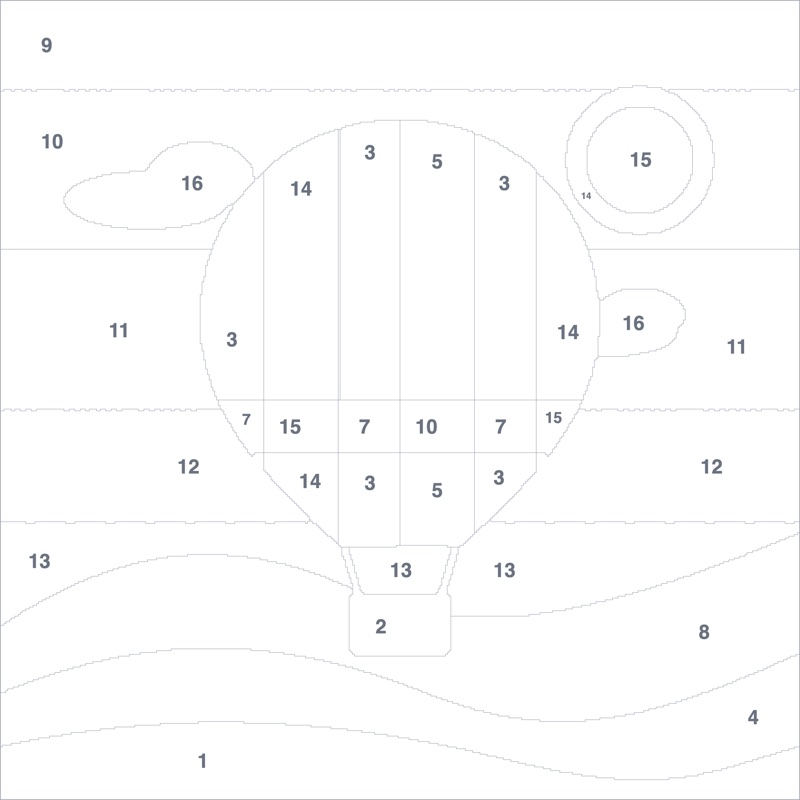
Turns a photo into a paint by numbers canvas with outlined, numbered areas, a colour key and the finished picture.
Or drop or paste a picture. It stays on your device.
Fewer colours are easier to paint; more look closer to the photo.
Download
The PDF has the canvas to paint, the colour key and the finished picture, on A4.
What is Online Paint by Numbers Generator?
Paint by Numbers Generator makes a paint by numbers kit from your own photo, without ordering one. The picture is reduced to a few colours, cut into areas big enough to paint, and every area gets the number of its colour. You print the outline on paper or canvas, mix the colours from the key, and paint.
How It Works
The photo's own colours are found by clustering, so the key matches the picture rather than a fixed set of paints. Specks are smoothed away, areas too small for a brush are merged into their neighbours, and each number goes where its area is widest, sized to fit.
Colours and Detail
Around 10 colours and low detail make a relaxing canvas for beginners and children; 24 colours and high detail come much closer to the photo, with more and smaller areas. Switch between the canvas, the painted result and both together to compare.
How to use Online Paint by Numbers Generator?
- Upload a photo, or drop or paste one. Pictures with clear light and shade work best.
- Choose the number of colours and the level of detail.
- Check the canvas and the painted preview, and change the settings until you like it.
- Download the PDF: the canvas, the colour key and the finished picture on A4.
Frequently asked questions
Can I print it on canvas?
Yes. Download the canvas as a high-resolution PNG and have it printed on canvas at a print shop, or print the PDF on heavy paper and transfer it. The lines are light grey so they disappear under paint.
How do I get the colours?
The colour key gives each colour as HEX and RGB. Mix acrylics to match them, or take the codes to a paint shop to have them matched.
Is my photo uploaded?
No. It is processed in your browser. To stitch the same photo instead, try the Cross Stitch Pattern Maker.