Text Tools
 Image Tools
 PDF Tools
 Social Media Tools
 Security Tools
 Coding Tools
 CSS Tools
 Color Tools
 Miscellaneous Tools
 Add to Chrome
 Add to Firefox

Turns a photo into a brick mosaic in real LEGO colours, with a piece list and a printable chart for each baseplate.
Or drop or paste a picture. It stays on your device.
Leave the height empty to keep the picture's shape.
Any colour of the palette (0 = no limit).
Download
What is Online LEGO Mosaic Maker?
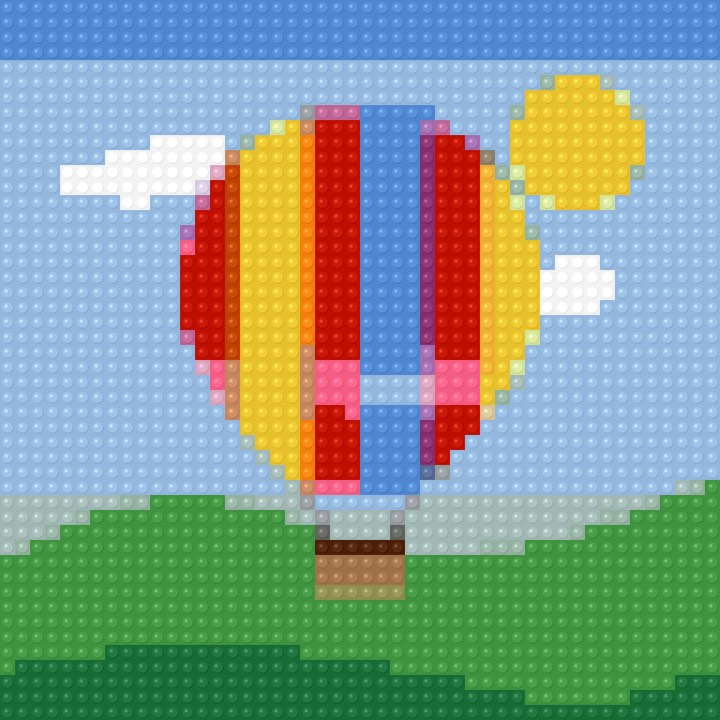
LEGO Mosaic Maker turns a photo into a brick mosaic plan, like the mosaic portraits and art sets, but of your own picture. Every stud is matched to one of 42 solid colours in current production, the pattern fits 16, 32 or 48 stud baseplates, and you get how many round 1×1 tiles of each colour to order and a numbered chart for every plate.
Plan It Plate by Plate
Choose a baseplate size and "Fit to whole baseplates" rounds the mosaic to complete plates, cropping the photo from the middle rather than stretching it. The PDF has the finished mosaic, the parts list and one chart page per baseplate, each with its place in the whole.
How to use Online LEGO Mosaic Maker?
- Upload a photo, or drop or paste one. Faces and bold subjects work best.
- Choose the baseplate size and the width in studs (48 is one large plate).
- Limit the colours if you want a simpler build, and fix any stud by hand.
- Download the PDF with the parts list and a chart for each baseplate.
Frequently asked questions
How big is a mosaic?
A stud is 8 mm, so a 48 × 48 mosaic is 38.4 cm square, and 96 × 96 (four plates) is 76.8 cm. Bigger mosaics show more detail but need more pieces.
Which pieces do I need?
Round 1×1 tiles give the look of the mosaic art sets; square 1×1 tiles or plates work too. The parts list gives the count for each colour, by its name and Rebrickable colour number, ready for ordering.
Is this an official LEGO tool?
No. LEGO is a trademark of the LEGO Group, which does not sponsor, authorise or endorse this tool. Colour values come from Rebrickable's public colour list.
What else can I make from a photo?
The same picture can become bead art with the Perler Bead Pattern Maker, or a thread portrait with the String Art Generator.