Add to Chrome
 Add to Firefox
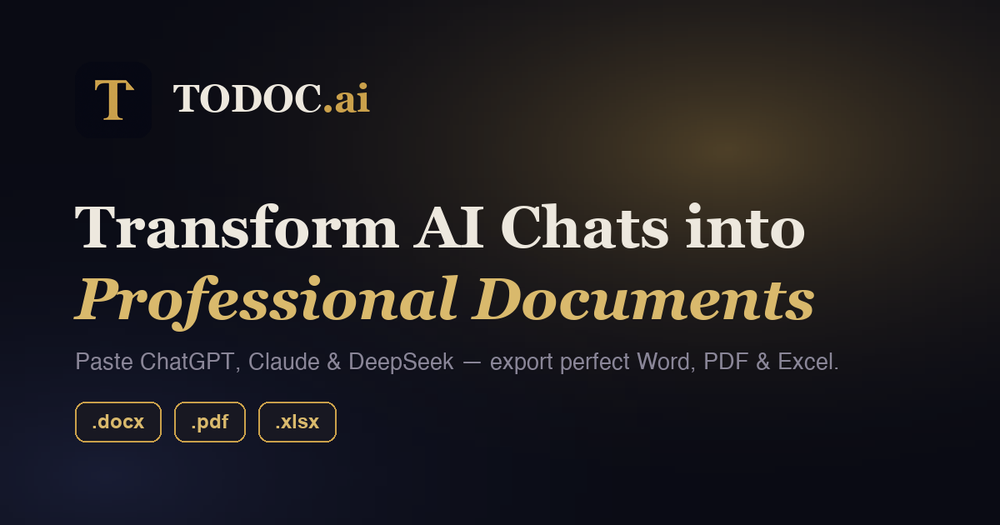

TODOC.ai turns AI chat replies into finished documents. Paste a ChatGPT, Claude, Gemini or DeepSeek answer — or write Markdown directly — and export it as Word (.docx), PDF, Excel (.xlsx) or Markdown with the formatting already in place.
The problem it solves is the twenty minutes that disappear after the AI stops writing. Copying a reply into Word breaks exactly the parts that carry the meaning: tables collapse into runs of text, code blocks lose their monospacing, heading levels flatten out, and mathematical notation arrives as broken symbols. TODOC rebuilds the document properly instead of pasting rich text, so what you send to a colleague looks like something you wrote, not something you copied.
There are two ways to use it. The free Chrome extension adds an export button under every reply in ChatGPT, Claude, Gemini and DeepSeek — no copy-paste, no leaving the chat page. Batch mode lets you select several answers from one conversation and turn them into a single document. It installs from the Chrome Web Store and also runs in Edge, Brave, Arc and other Chromium browsers. The web app at todoc.ai needs no installation at all: paste your Markdown or AI output into the live editor, fix anything that needs fixing, preview the result and download it.
Formatting fidelity is the point of the product, so the hard cases are handled rather than approximated. LaTeX equations come through as real equations in Word and PDF — no image workarounds, no mangled symbols. Mermaid diagrams (flowcharts, sequence diagrams, Gantt charts) are embedded as crisp images. Tables in a conversation can be pulled straight into Excel as structured rows, ready for analysis. Pro users can apply custom templates so every export matches their own house style, and export history is kept so earlier files can be downloaded again.