 Add to Chrome
 Add to Firefox
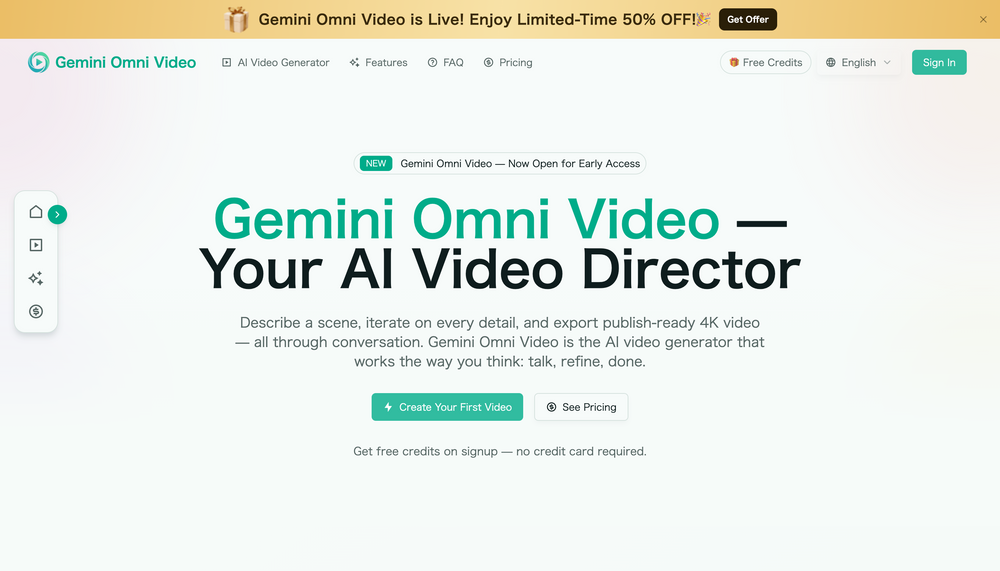

What is Gemini Omni Video?
Gemini Omni Video is a conversational AI video generator built on Google’s Gemini Omni model. Instead of using a complex editing timeline, you describe a scene, refine details in plain language, and export publish-ready 4K video.
How to use Gemini Omni Video?
Open the Gemini Omni Video website, start a new project, and enter a prompt, script, reference image, audio clip, or video idea. Preview the result, then ask for changes such as warmer lighting, a slower camera move, a new background, or a different aspect ratio. When the video matches your vision, export it in the format you need.
Gemini Omni Video's Core features
Conversational directing: edit videos by telling the AI what to change.
Multi-input workflow: combine text, images, audio, and video clips in one creative brief.
Iterative editing: refine shots without restarting from zero.
4K export: create landscape, portrait, or square videos for different platforms.
Auto-matched audio: generate synchronized ambience, effects, and dialogue support.
Character consistency: keep faces, clothing, and visual style stable across scenes.
Gemini Omni Video's Use cases
Social media videos for TikTok, Reels, YouTube Shorts, and feeds.
Product demos, ads, and landing page visuals.
Concept videos, storyboards, and pitch materials.
Music, fashion, travel, and lifestyle clips.
Client content, brand campaigns, and rapid creative testing.
FAQ
Is Gemini Omni Video easy to use?
Yes. You can direct videos with normal language and do not need professional editing skills.
What can I upload?
You can use prompts, scripts, images, audio, video clips, or a mix of inputs.
Can I revise a generated video?
Yes. You can keep the session context and refine lighting, pacing, framing, style, and more.
Can I use the output commercially?
Yes, Gemini Omni Video is designed for commercial videos, ads, social posts, and client projects.